Advertisement
Click to download now, finish the installation quickly, and directly unlock the all-round experience
Advertisement
Screenshots
Click to download now, finish the installation quickly, and directly unlock the all-round experience
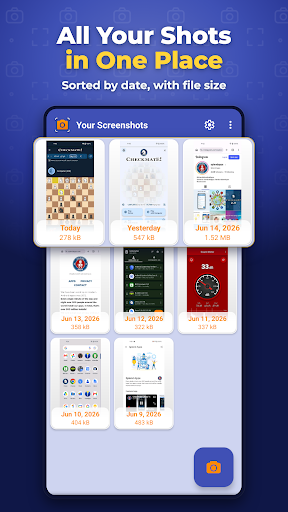
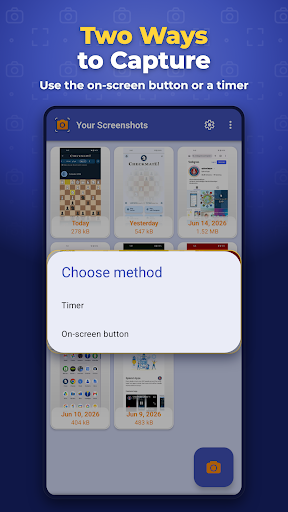
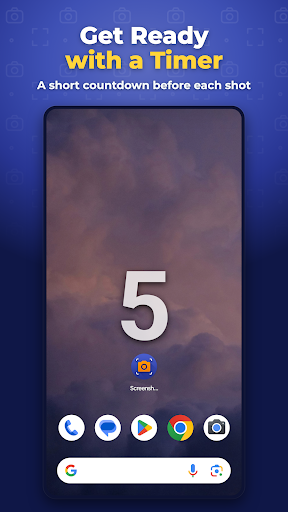
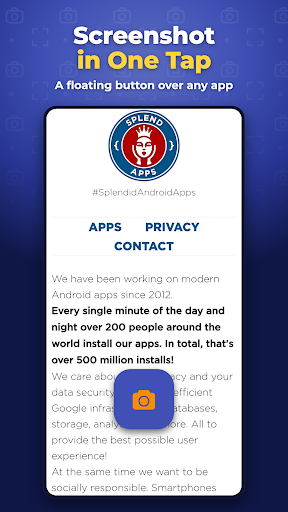
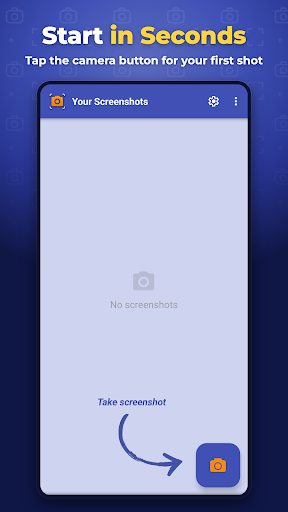
Screenshot by Splend Apps is a tool for capturing screen images on Android phones and tablets, then viewing and managing them in one place. It suits people who take screenshots often and want options beyond the device’s usual button shortcut. You can capture from a notification, use an on-screen shutter button, or set a countdown before the capture. Standard Android screenshot button combinations are supported too.
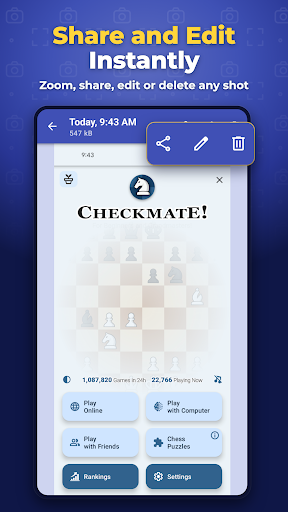
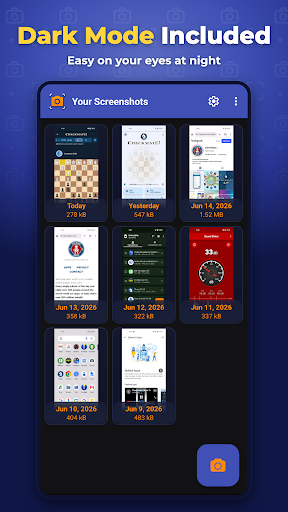
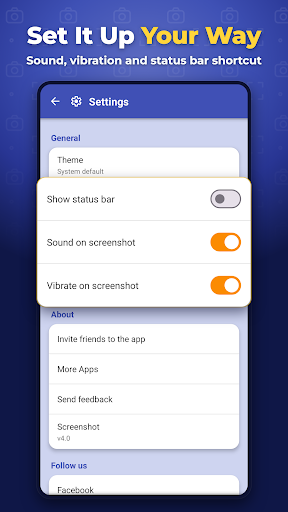
Captured images can be viewed in a gallery or one at a time. The app also includes multiple selection, cropping and editing, deletion, and ways to share images with other apps. Options include showing or hiding the status bar and controlling shutter sound and vibration. The on-screen button can help when you need to capture something at a particular moment; a timer is useful when you need time to prepare the screen.
Some functions may not be available on unrooted devices, so the full set of controls may depend on the device. If you only need the built-in Android screenshot shortcut, the extra capture and organization tools may be unnecessary.
Screenshot has a 4.52 rating from 219,656 ratings and more than 10 million installs. That is a substantial response, but a score alone does not show which features people praise or what problems they report. The information available here does not include written reviews or their dates, so it would be misleading to name recurring complaints, claim that a problem is recent, or say an older issue has been fixed. Treat the rating as a broad signal, not a substitute for checking whether the capture options suit your device.